


No Watermark
Convert videos for free without adding a watermark to your output files.
Get the official free video converter for Windows 11 and 10. Convert videos to MP4, MP3, MOV, MKV, AVI, WebM, and more in batch
Download not starting? Just click the Free Download button above
Install the official Windows video converter for common format changes, audio extraction, and large local files
Convert videos for free without adding a watermark to your output files.
Process large videos locally on your Windows PC without upload limits.
Convert to MP4, MP3, MOV, MKV, AVI, WebM, WAV, FLAC, and more.
Convert multiple video and audio files at once with simple presets.
Download the official AVC Free installer for Windows directly from Anvsoft. Check the basic requirements and file details before installation.
Your download starts automatically. Follow these quick steps to open the installer and launch AVC Free on Windows
Wait a few seconds while avc-free.exe downloads automatically. This usually takes 5-10 seconds.
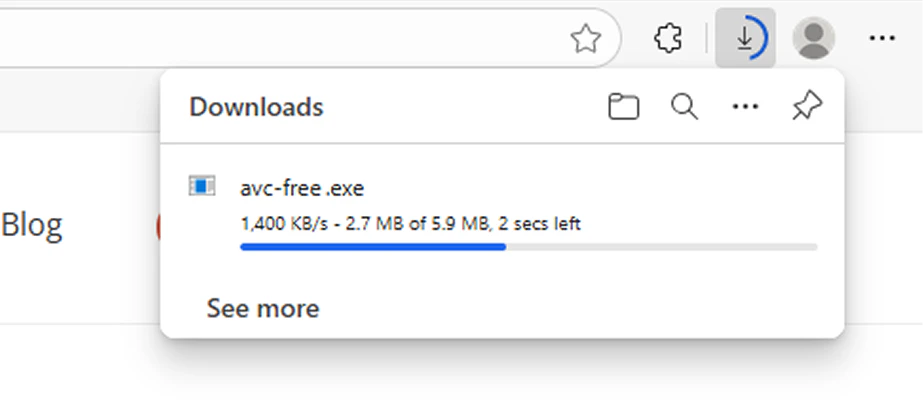
Find avc-free.exe in your browser downloads list or Downloads folder, then open it.
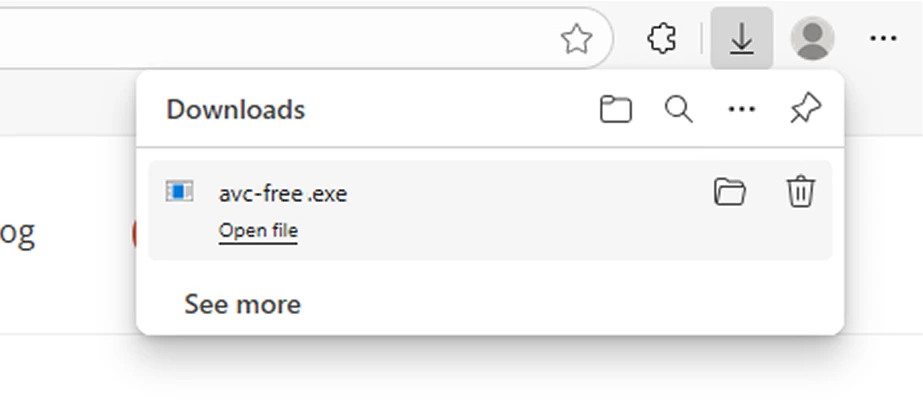
Follow the setup wizard. Once installation finishes, launch Any Video Converter Free to get started.
Start using the converter with tutorials, or compare paid versions when you need more advanced video tools
Quick answers about the official Windows installer, supported systems, and free conversion features
Yes. Any Video Converter Free is free to download and use for core video and audio conversion tasks, including converting videos without adding a watermark.
Yes. The official AVC Free installer download should start automatically a few seconds after this page opens. If it does not start, just click the Free Download button above.
Yes. This page provides the official Any Video Converter Free installer from the Any Video Converter website. The installer file is avc-free.exe and the publisher is Anvsoft Inc.
Any Video Converter Free for Windows is designed for Windows 11 and Windows 10 64-bit systems.
Yes. AVC Free can convert videos to MP4 and extract audio to MP3. It also supports common formats such as MOV, MKV, AVI, WebM, WAV, FLAC, and more.
Yes. AVC Free supports batch conversion and local processing for large video files. Actual processing speed can vary based on your computer hardware and output settings.
Yes. Any Video Converter Free also has a Mac version. Visit the Mac version page if you need AVC Free for macOS.