avc logo

Any Video Converter Free

Best free video converter and compressor with millions of happy and devoted users for over 20 years!

  • Free, bulk, and unlimited video & audio conversion
  • Support 1000+ video and audio formats for input
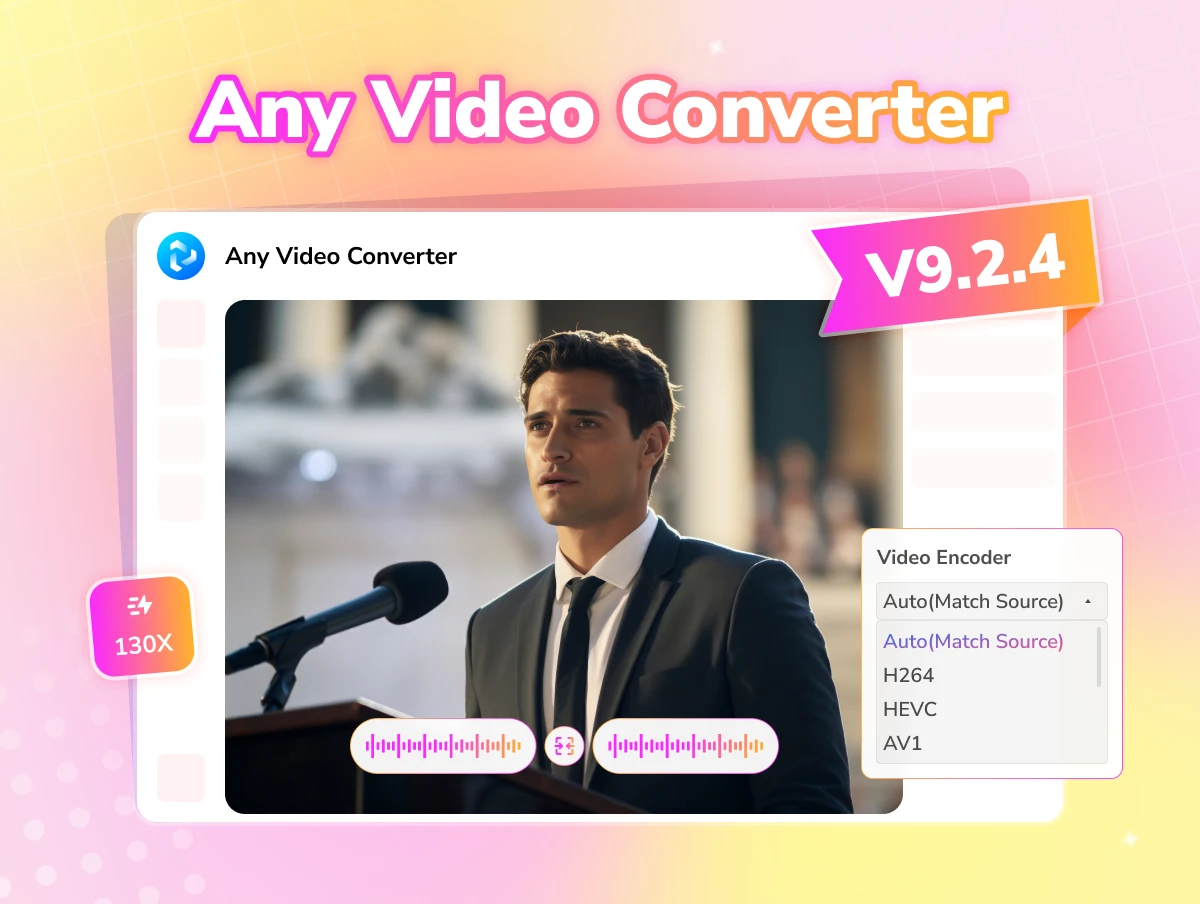
  • Upgraded GPU acceleration, 130X ultra fast
  • Lossless video compression to enhance shareability
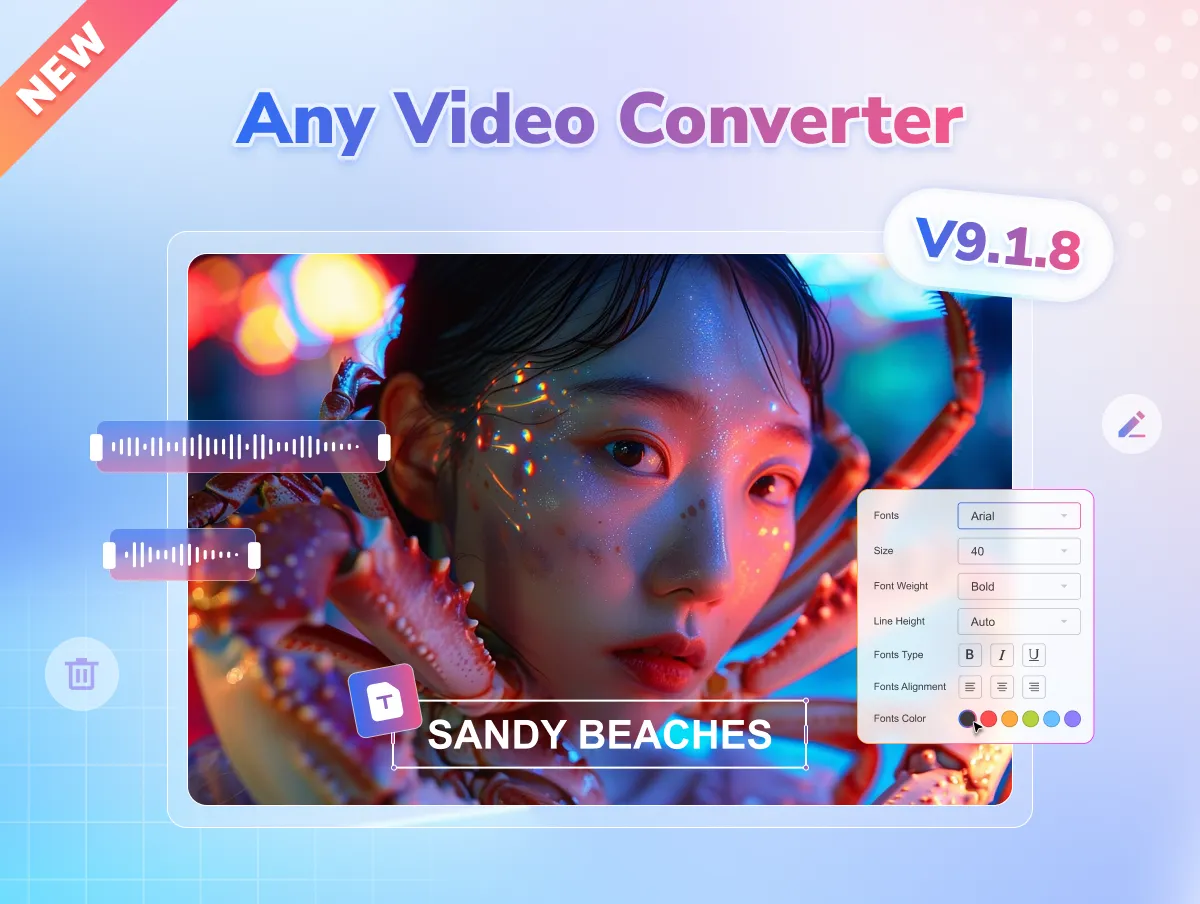
  • 20+ built-in video editing: trim, merge, crop, etc
checkbox iconNO ADS
checkbox icon100% SECURE
checkbox iconFREE
checkbox iconNO WATERMARK
apple iconSwitch to Mac Version
windows iconSwitch to Windows Version
any video converter free top banner for pc
any video converter free top banner for mobile

Highlights of Any Video Converter Free

Convert 1000+ videos & audio formats completely free and unlimited

convert video to mp3 video converter to mp3

Convert both Video and Audio Files to MP3

Free audio converter that converts both video and audio files to MP3 and other popular audio formats, such as M4A, AAC, OGG, FLAC, OPUS, WAV, and more.

convert video to mp4 video converter to mp4

Convert Videos to MP4 to Enhance Compatibility

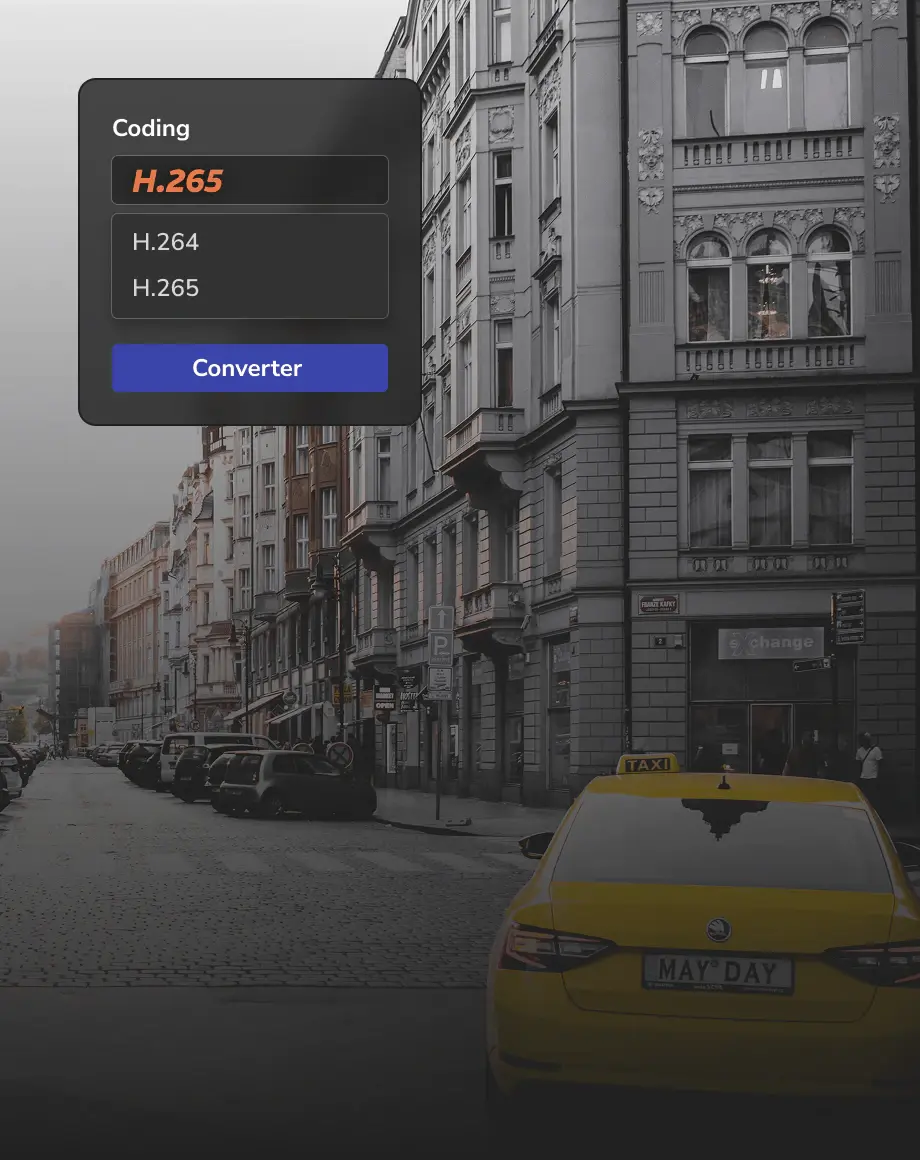
Convert less compatible video formats, including MKV, AVI, MOV, WEBM, TRP, VOB, etc, to MP4 (H264, H265, AV1), ensuring compatibility with any device or platform.

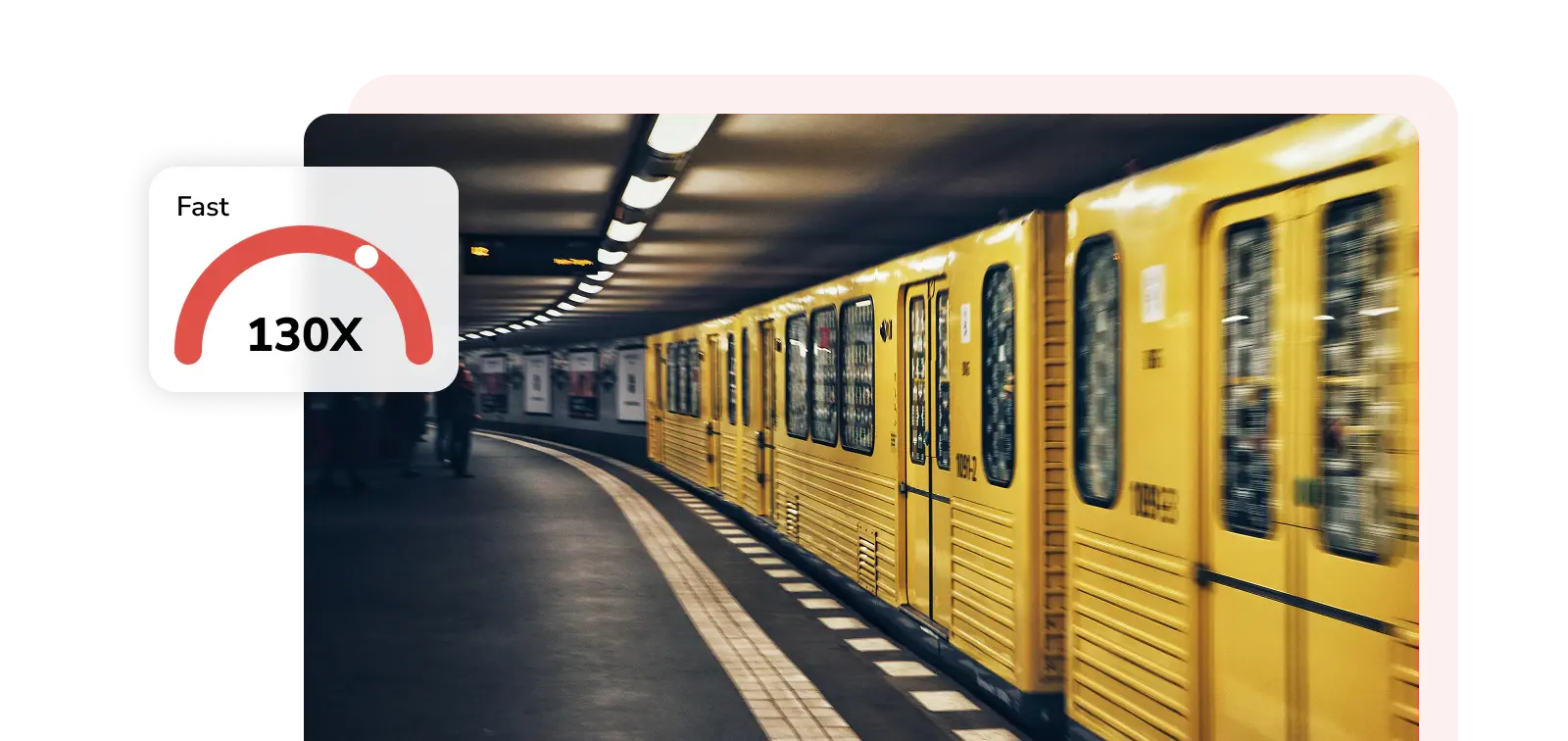
fast conversion 130x lighting fast conversion

130X Faster Conversion with GPU Acceleration and Ultra-Fast Mode

With the upgraded GPU acceleration and ultra-fast conversion mode, the video conversion and compression can boost up to 130x faster.

bulk conversion free and unlimited conversion

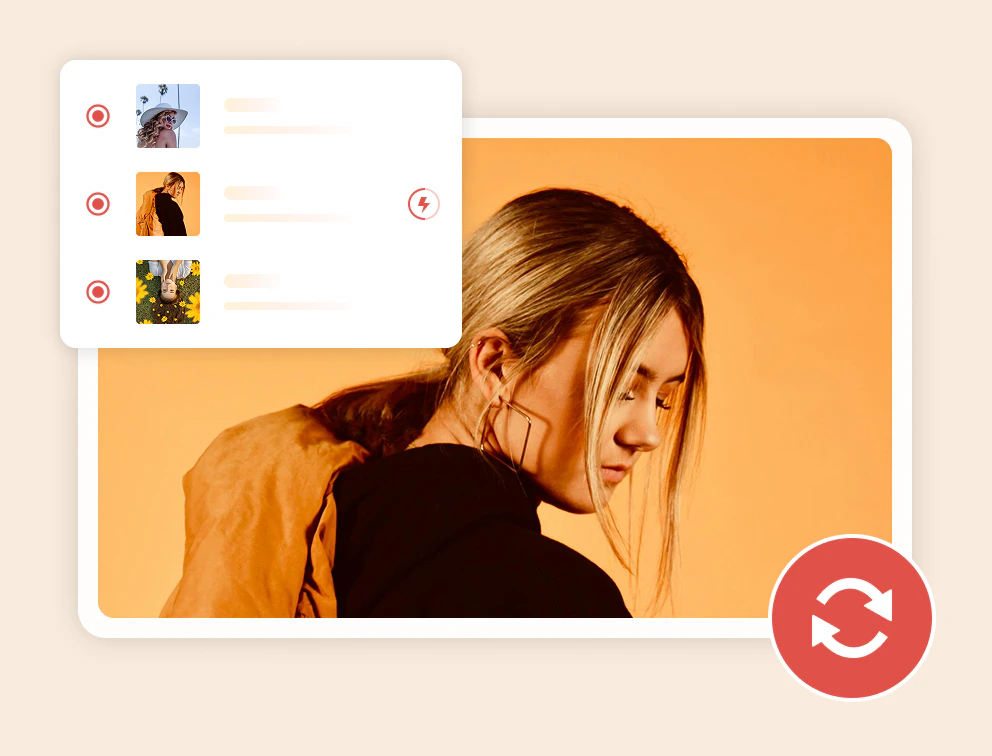
Free, Unlimited, and Bulk Conversion

It allows users to convert multiple video and audio files simultaneously, completely free and unlimited, with no size or quantity restrictions, and zero hidden fees.

1000+ formats supported support 1000+ video and audio formats

Support 1000+ Video and Audio Formats

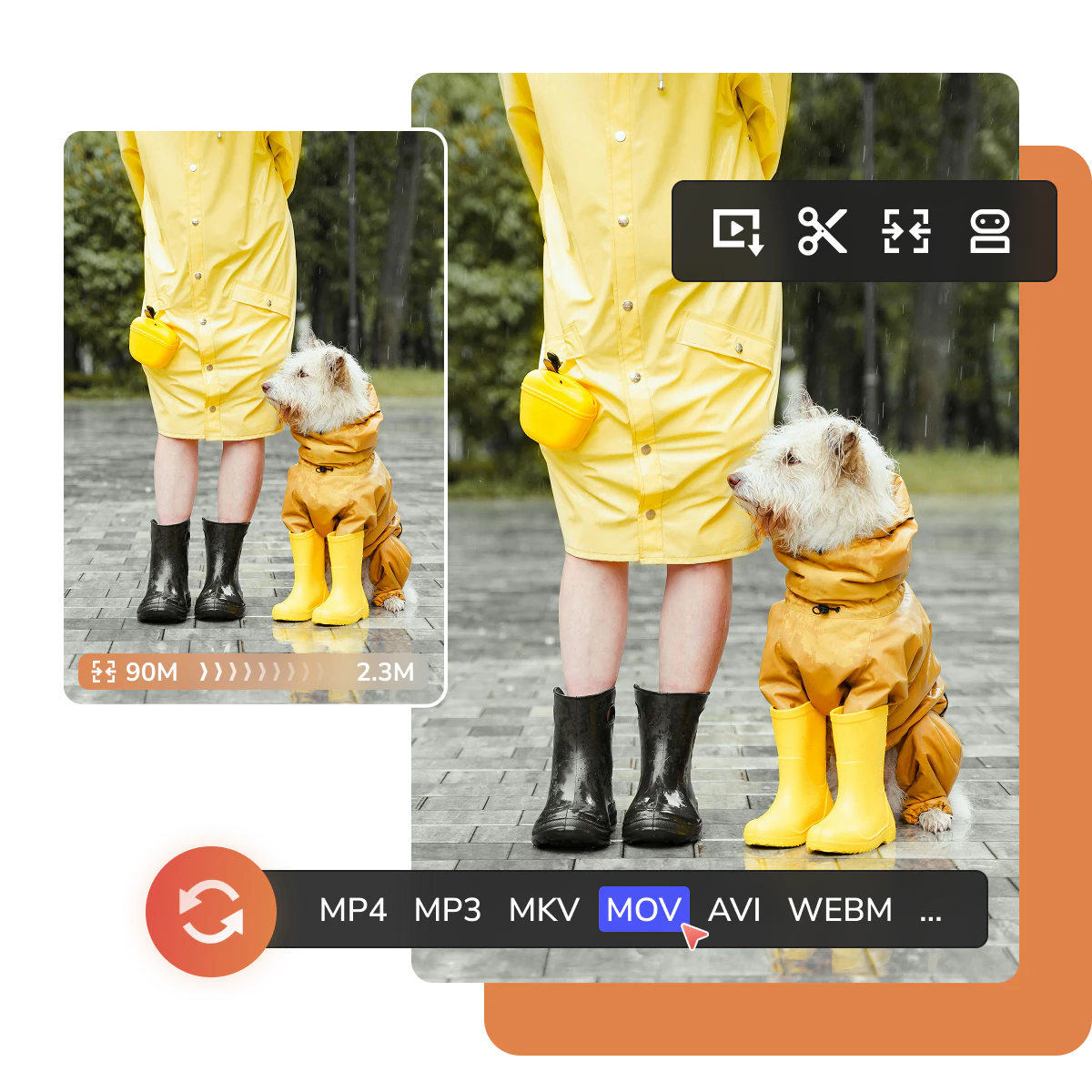
Support a wide range of video and audio formats, including MP4, AVI, TS, MOV, MKV, WMV, FLV, WEBM, MPG, MP3, and 1000+, allowing free and unlimited conversion.

More Stunning Features for Video & Audio Processing

Edit, elevate, and share your video content with ease

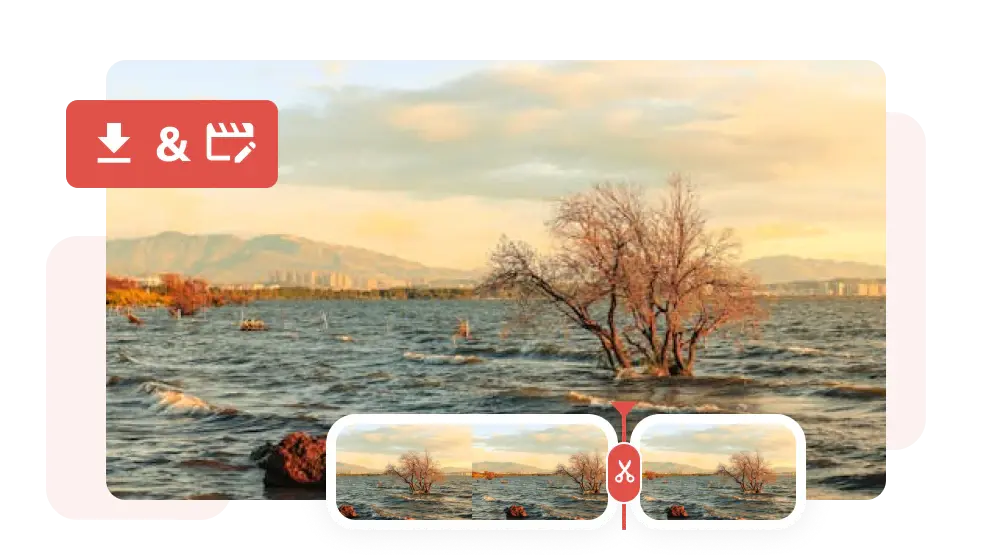
Editing: From Raw to Refine

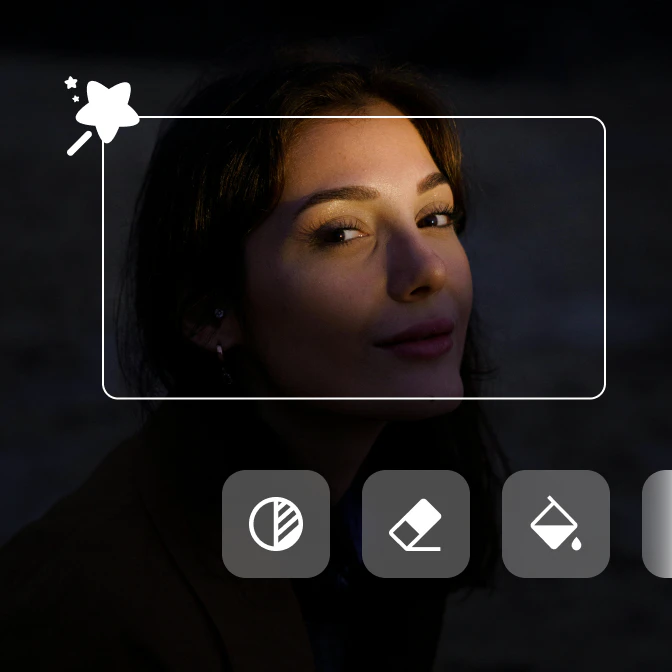
This is the one-stop solution for both content creators and music/movie lovers to explore video and music sources/footage from online sites and refine them with trimming and other built-in editing tools.

free video editor

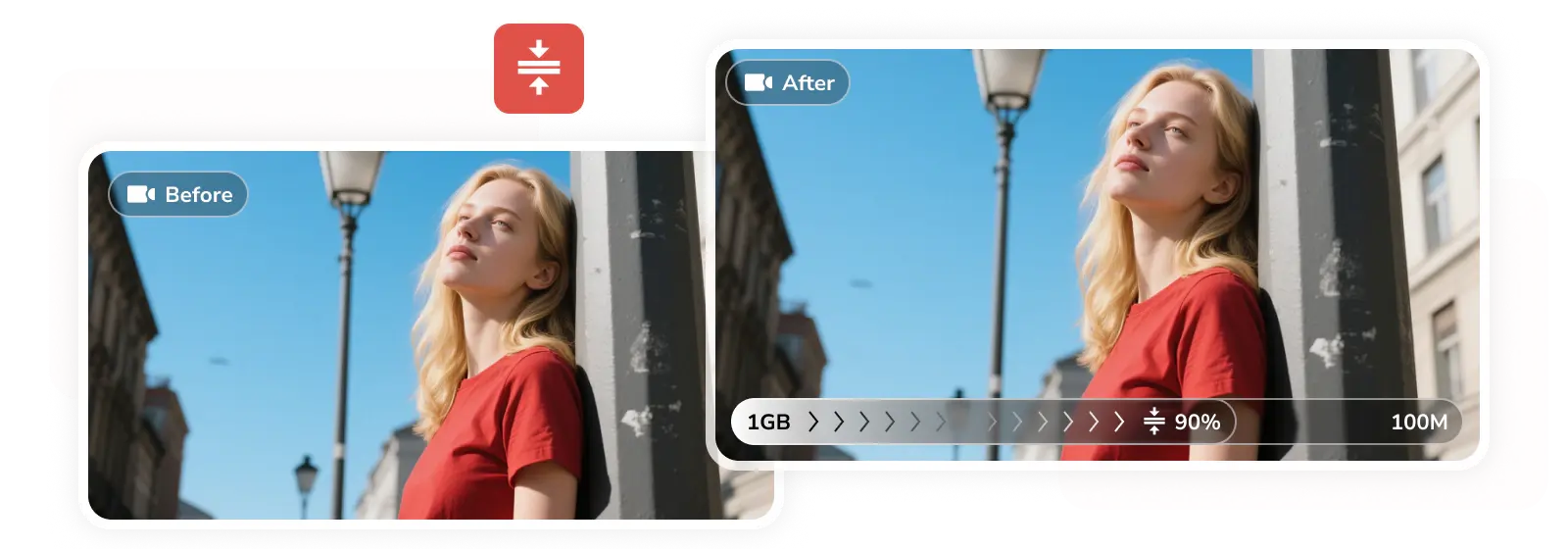
Compression: From Large to Small

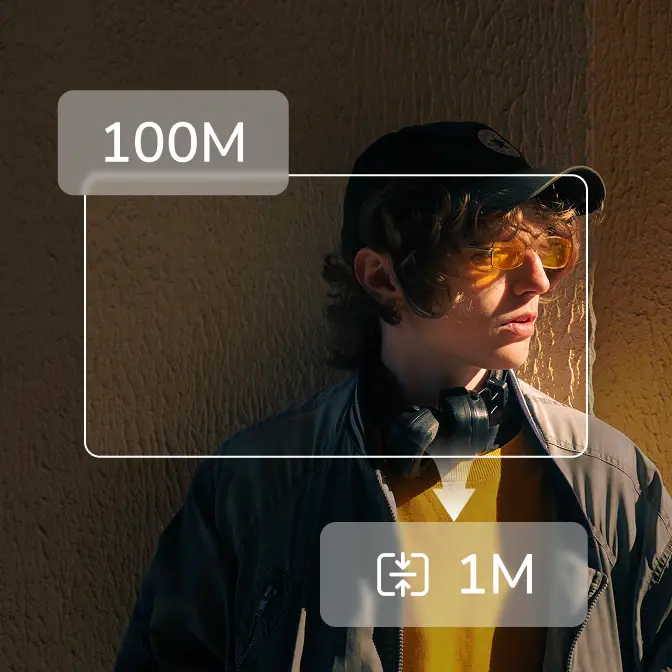
If you're dealing with large, 4K, 8K, and HDR videos (in MKV, MOV, or WEBM format) that won't load properly or cause editing software to lag, try this built-in video compressor to reduce file sizes without compromising quality.

free video compressor

Enhancement: From Low to High

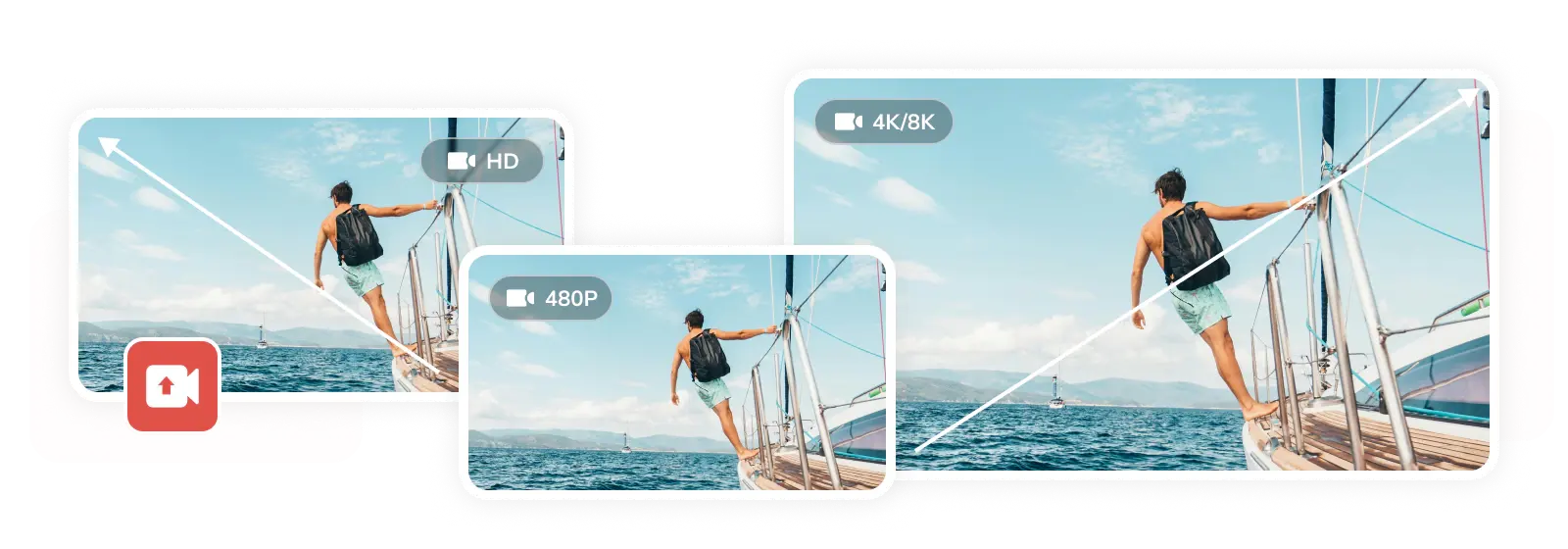
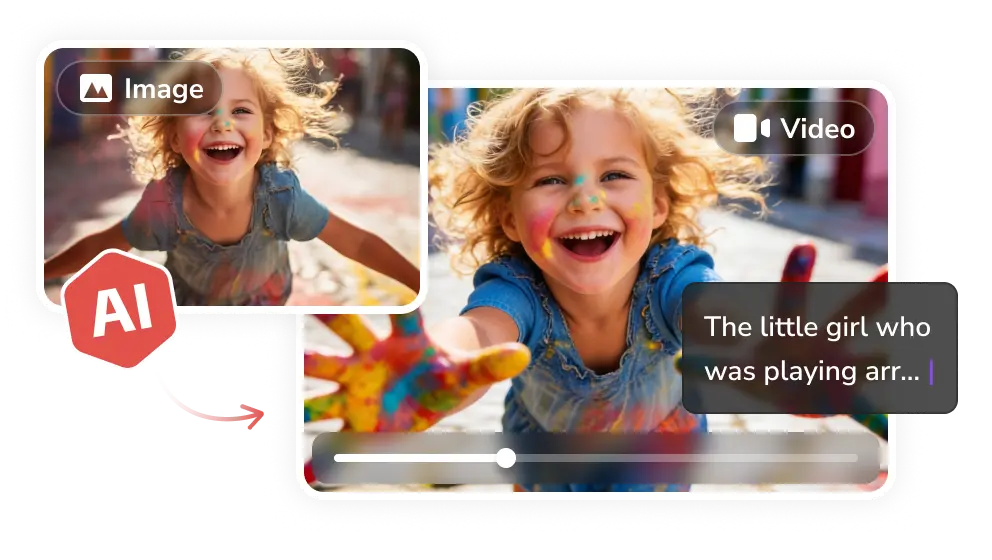
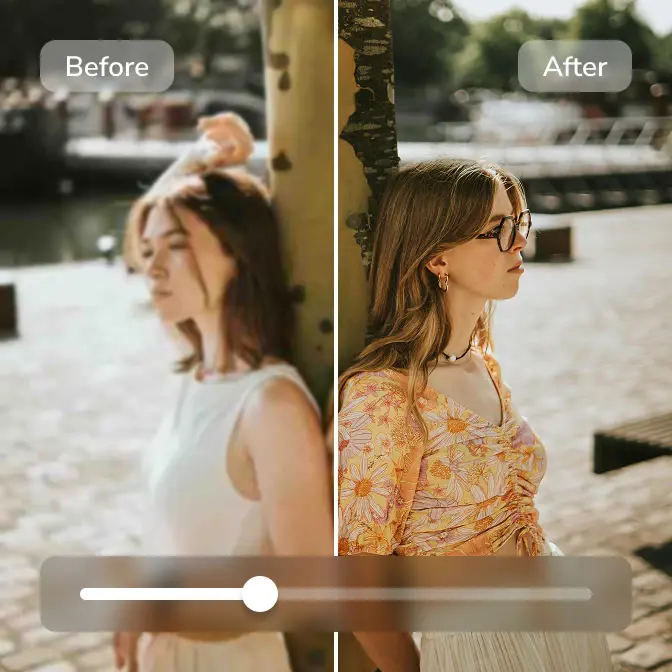
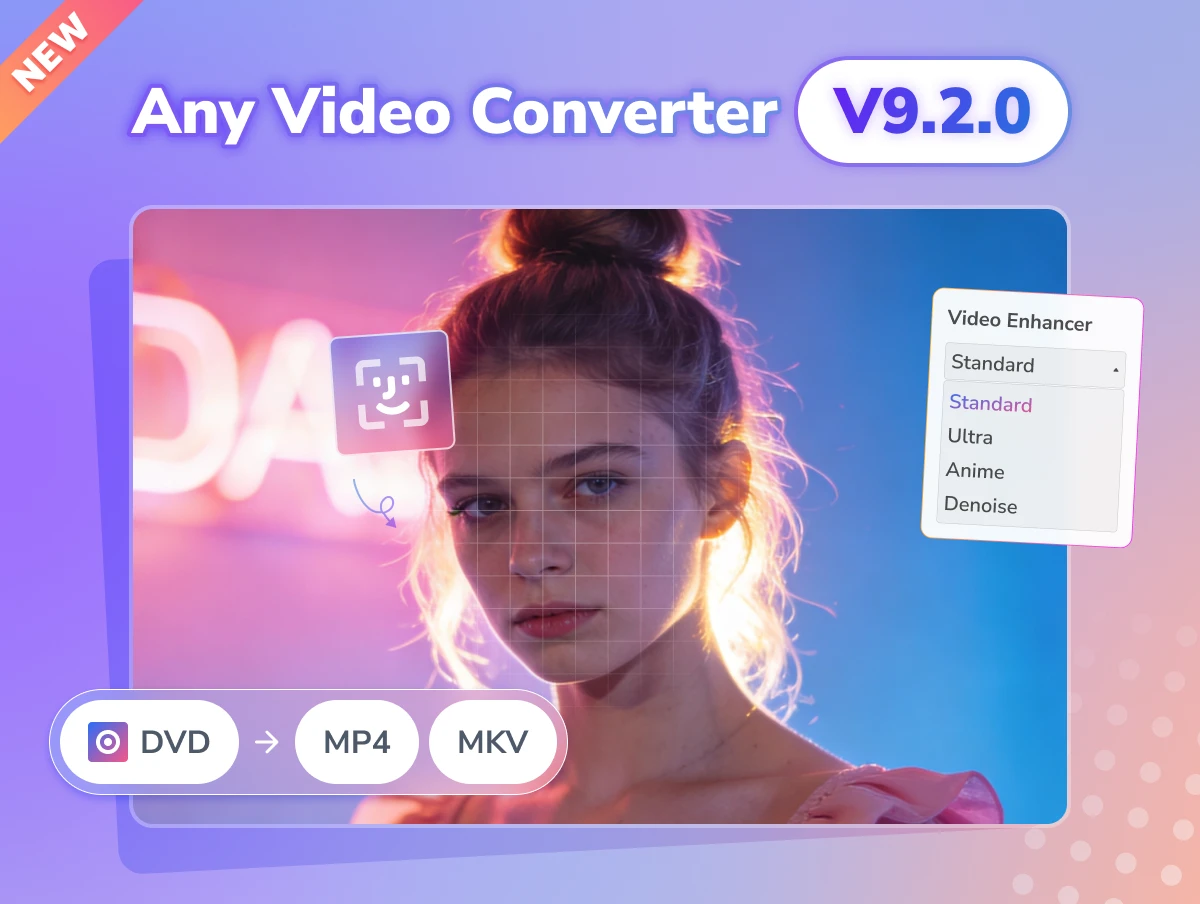
No more struggling with blurry, pixelated footage. Whether you've recorded or downloaded low-res footage in 240p, 360p, 480p, or 720p, the AI Video Enhancer tool can help elevate it to stunning 1080p, 4K, or 8K.

free video enhancer

Reliable: From New to Invested

Your hunt for a safe, reliable, and efficient video converter and downloader has come to an end. Any Video Converter has earned the trust of users by delivering exceptional value and competent service.

reliable and secure video converter

Convert with Confidence, Create with Freedom

Convert, compress, control, enhance, and elevate

Editing Tools
AI Tools

Version History of Any Video Converter

We keep regular updates for new features, bug fixes, and optimizations

any video converter v9.1.5 updated

Timeline Editing in Trimming and Merging

  • Introduced timeline editing in trimming and merging.
  • Refined crop tool for smoother interaction.
  • Smarter playlist downloads: choose a single file or a full list.
  • Added MP4 (H.264) download for wider compatibility.
  • Improved download tool success rate.
any video converter v9.1.4 updated

Support AI Video Enhancer

  • Add the AI video enhancer tool in the Ultimate version.
  • Improve the video download success rate.
  • Optimize the task queue for a better experience.
  • Fix other minor bugs.
any video converter v9.1.3 updated

Support the Built-in Web Browser

  • Support built-in web browser.
  • Support searching videos by keywords.
  • Add AV1 encoding support for video compression.
any video converter v9.1.2 updated

Bug Fixes and Performance Optimization

  • Optimize the download tool.
  • Fix other minor bugs.

Free vs. Pro. vs. Ultimate of Any Video Converter

Select the right version tailored to your needs

Monthly
Annual
Permanent
icon free

Free

  • icon checkboxUnlimited video downloads
  • icon checkbox1000+ formats conversion
  • icon checkboxBasic video editing tools
  • icon lockSave custom settings as presets
  • icon lockSave videos in your preferred format
  • icon lockAdvanced 'Custom' download mode
  • icon lockCurate your audio and subtitles
  • icon lockRecord screen in HD and 4K quality
  • icon lockBurn videos to DVD with templates
  • icon lockParallel power downloads
  • icon lockImprove video quality with AI
  • icon lockAuto-transcribe media to text
  • icon lockSplit vocal & instrumental
icon ultimate

Ultimate

  • icon checkboxUnlimited video downloads
  • icon checkbox1000+ formats conversion
  • icon checkboxBasic video editing tools
  • icon checkboxSave custom settings as presets
  • icon checkboxSave videos in your preferred format
  • icon checkboxAdvanced 'Custom' download mode
  • icon checkboxCurate your audio and subtitles
  • icon checkboxRecord screen in HD and 4K quality
  • icon checkboxBurn videos to DVD with templates
  • icon starParallel power downloads
  • icon starImprove video quality with AI
  • icon starAuto-transcribe media to text
  • icon starSplit vocal & instrumental
icon free

Pro.

  • icon checkboxUnlimited video downloads
  • icon checkbox1000+ formats conversion
  • icon checkboxBasic video editing tools
  • icon checkboxSave custom settings as presets
  • icon checkboxSave videos in your preferred format
  • icon checkboxAdvanced 'Custom' download mode
  • icon checkboxCurate your audio and subtitles
  • icon checkboxRecord screen in HD and 4K quality
  • icon checkboxBurn videos to DVD with templates
  • icon lockParallel power downloads
  • icon lockImprove video quality with AI
  • icon lockAuto-transcribe media to text
  • icon lockSplit vocal & instrumental
icon free

Free

  • icon checkboxUnlimited video downloads
  • icon checkbox1000+ formats conversion
  • icon checkboxBasic video editing tools
  • icon lockSave custom settings as presets
  • icon lockSave videos in your preferred format
  • icon lockAdvanced 'Custom' download mode
  • icon lockCurate your audio and subtitles
  • icon lockRecord screen in HD and 4K quality
  • icon lockBurn videos to DVD with templates
  • icon lockParallel power downloads
  • icon lockImprove video quality with AI
  • icon lockAuto-transcribe media to text
  • icon lockSplit vocal & instrumental
icon ultimate

Ultimate

  • icon checkboxUnlimited video downloads
  • icon checkbox1000+ formats conversion
  • icon checkboxBasic video editing tools
  • icon checkboxSave custom settings as presets
  • icon checkboxSave videos in your preferred format
  • icon checkboxAdvanced 'Custom' download mode
  • icon checkboxCurate your audio and subtitles
  • icon checkboxRecord screen in HD and 4K quality
  • icon checkboxBurn videos to DVD with templates
  • icon starParallel power downloads
  • icon starImprove video quality with AI
  • icon starAuto-transcribe media to text
  • icon starSplit vocal & instrumental
$59.95 / $69.95
Upgrade Now Upgrade Now
15% OFF
icon pro

Pro.

  • icon checkboxUnlimited video downloads
  • icon checkbox1000+ formats conversion
  • icon checkboxBasic video editing tools
  • icon checkboxSave custom settings as presets
  • icon checkboxSave videos in your preferred format
  • icon checkboxAdvanced 'Custom' download mode
  • icon checkboxCurate your audio and subtitles
  • icon checkboxRecord screen in HD and 4K quality
  • icon checkboxBurn videos to DVD with templates
  • icon lockParallel power downloads
  • icon lockImprove video quality with AI
  • icon lockAuto-transcribe media to text
  • icon lockSplit vocal & instrumental
icon free

Free

  • icon checkboxUnlimited video downloads
  • icon checkbox1000+ formats conversion
  • icon checkboxBasic video editing tools
  • icon lockSave custom settings as presets
  • icon lockSave videos in your preferred format
  • icon lockAdvanced 'Custom' download mode
  • icon lockCurate your audio and subtitles
  • icon lockRecord screen in HD and 4K quality
  • icon lockBurn videos to DVD with templates
  • icon lockParallel power downloads
  • icon lockImprove video quality with AI
  • icon lockAuto-transcribe media to text
  • icon lockSplit vocal & instrumental
icon ultimate

Ultimate

  • icon checkboxUnlimited video downloads
  • icon checkbox1000+ formats conversion
  • icon checkboxBasic video editing tools
  • icon checkboxSave custom settings as presets
  • icon checkboxSave videos in your preferred format
  • icon checkboxAdvanced 'Custom' download mode
  • icon checkboxCurate your audio and subtitles
  • icon checkboxRecord screen in HD and 4K quality
  • icon checkboxBurn videos to DVD with templates
  • icon starParallel power downloads
  • icon starImprove video quality with AI
  • icon starAuto-transcribe media to text
  • icon starSplit vocal & instrumental
$69.95 / $89.95
Upgrade Now Upgrade Now
30% OFF
icon pro

Pro.

  • icon checkboxUnlimited video downloads
  • icon checkbox1000+ formats conversion
  • icon checkboxBasic video editing tools
  • icon checkboxSave custom settings as presets
  • icon checkboxSave videos in your preferred format
  • icon checkboxAdvanced 'Custom' download mode
  • icon checkboxCurate your audio and subtitles
  • icon checkboxRecord screen in HD and 4K quality
  • icon checkboxBurn videos to DVD with templates
  • icon lockParallel power downloads
  • icon lockImprove video quality with AI
  • icon lockAuto-transcribe media to text
  • icon lockSplit vocal & instrumental
$49.95 / $79.95
Upgrade Now Upgrade Now
40% OFF

Additional Highlights: Why Choose Any Video Converter

icon free video converter
Free Video Converter

It is a worthy free video converter as it is advertised, with no additional or hidden fees.

icon unlimited conversion
Unlimited Conversion

You can convert multiple videos simultaneously for free, with no conversion quantity limitation.

icon no size limitation
No Size Limitation

It is an ideal choice to convert large MKV, WEBM, and AVI videos, as it does not limit file upload size.

icon fast conversion
Fast Conversion

Even the free version does not limit the conversion speed, with GPU acceleration and ultra-fast mode.

icon 100% clean
100% Clean

The installer is 100% clean and safe, with no virus, no malware, and no bundled third-party software.

icon safe
Safe and Secure

It processes files on your local computer, instead of a cloud server, with no data gathering and storage.

How to Convert Videos to MP4 for Free

Convert videos to MP4, MP3, MKV, MOV and more for free

Step 1:

Add Videos or Audio Files

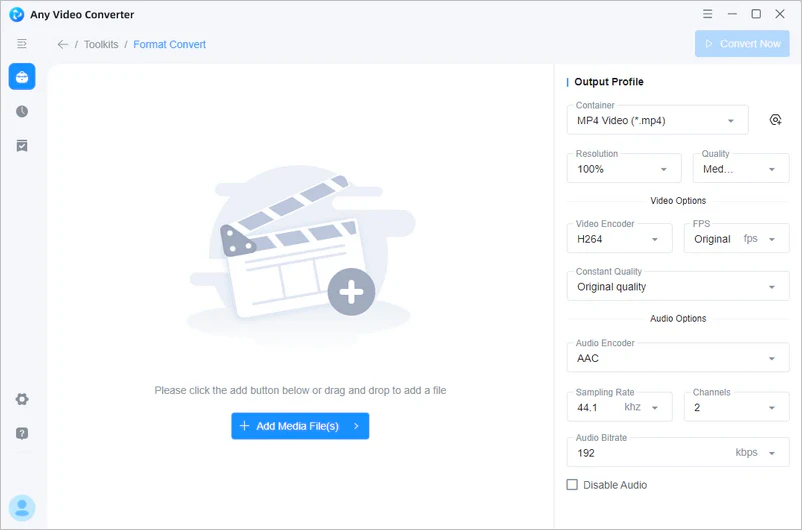
Launch Any Video Converter and select the "Format Convert" tool, then click the "Add Media File(s)" to add the video or audio files.

add video files to any video converter

Launch Any Video Converter and select the "Format Convert" tool, then click the "Add Media File(s)" button to add the video or audio files.

add video files to any video converter

Step 2:

Custimize the Output Profile

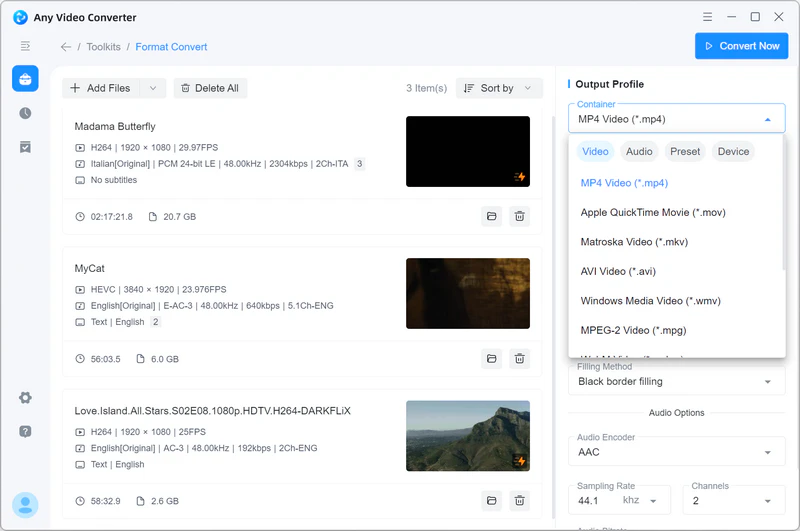
At the right of the "Output Profile" section, you can select MP4 as the output format from the "Container" list, then select the output resolution, quality, video and audio codec, FPS, bitrate, and more.

select mp4 as the output format

At the right of the "Output Profile" section, you can select MP4 as the output format from the "Container" list, then select the output resolution, quality, video and audio codec, FPS, bitrate, and more.

select mp4 as the output format

Step 3:

Convert the Video to MP4

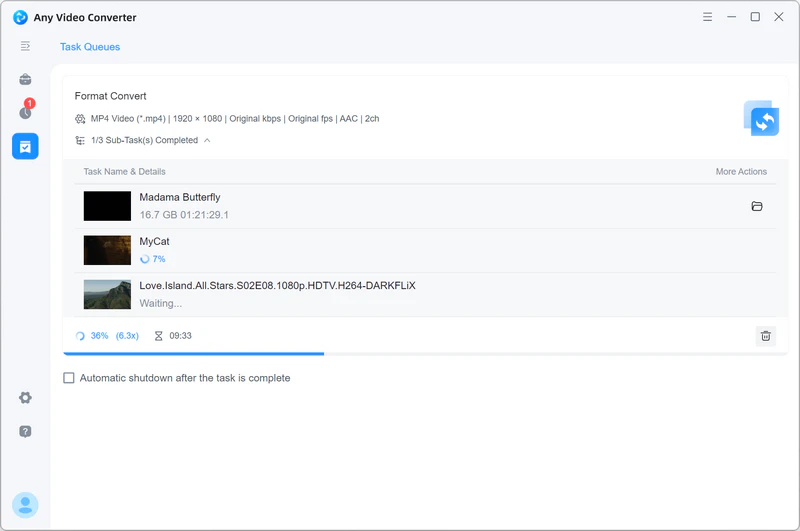
Click the "Convert Now" button to initiate the conversion process. Once the conversion is complete, you can find the converted files from the "History" tab.

convert video to mp4

Click the "Convert Now" button to initiate the conversion process. Once the conversion is complete, you can find the converted files from the "History" tab.

convert video to mp4

See What Our Customers Say about Any Video Converter

Why Any Video Converter is trusted by millions users

I've been using this tool for years and never got disappointed. The moment I install a new PC, I immediately put AVC inside. Please continue to provide the world with solutions like this.

user avater 1
Maraschini Alessandro
five star

It has many great functions, from video and audio enhancements to converting large video files from over 20 gigs to under just 1 gig, and the quality of the converted video is undeniable.

user avater 2
Andrew Musiclife
five star

I mainly use it to convert GoPro MP4 into HVEC files for use with a video editing program, and the conversion takes very little time. Unlike other free software, this one works and is actually free without putting watermarks on your files.

user avater 3
Pretty Vacant
five star

I have been using Anvsoft for many years now. It makes converting films, etc., into different formats so very easy, and I am an old girl in my early 60s! I don not think anyone would ever find another program like this so easy to use.

user avater 4
Elle Wilky
five star

I really enjoyed using Any Video Converter for some time now. I like the versatility and the options that are there. I have Free and Ultimate. I would very much like to get a license so I could make full use of Any Video Converter Ultimate.

user avater 5
Abdul Haque
five star

Any Video Converter is the most reliable converter and the fastest as well. I have used several others in the past with mixed results, which is why I kept looking, but I have not found the need to try any others since downloading Any Video Converter.

user avater 6
S.Miller
five star
Excellent 4.8 star 4.8 on green star icon trustpilot
Also Trusty by Medias: logo teachradar logo cnet logo sourceforge logo wikipedia

All-in-one Video Converter, Compressor, and Editor

The video converter, video compressor, and the built-in video editing tools are loved by millions of users

FAQs about Any Video Converter

Which is the best video converter for free?

Finding a truly free and reliable video converter might be challenging and time-consuming, as most of them come with limitations that discourage users from further exploitation. Any Video Converter is exceptional, as it is completely for users to convert videos and audio files with no hidden restrictions, ensuring the same unlimited conversions, lightning-fast speed, and batch processing as the paid editions. On top of that, the free version is 100% clean and secure, free from ads, viruses, adware, and third-party installations.

Is there a free video converter without limit?

Yes, Any Video Converter is free for users to have unlimited access to the tools, including the video converter, video downloader, video compressor, and the built-in basic editing tools, with no additional or hidden fees.

Is Any Video Converter still free?

Yes, Any Video Converter is still free to use. Even though it merged the Free, Pro., and Ultimate versions into one, the Free version still allows users to access the video converter tool without any limit.

How to Convert MKV to MP4?

Here we take Any Video Converter as an example to show how to convert MKV to MP4.

Step 1: Open the "Format Convert" tool and add the MKV files that you want to convert to MP4.

Step 2: Select MP4 as the output format. Under the output profile, you can select Custom MP4 Movie(*.mp4) as the output format and video codec as H265, H264, or AV1.

Step 3: Click the "Convert Now" button to start converting MKV to MP4.

How do I convert MP4 to MP3 for free?

You can also use Any Video Converter to convert MP4 to MP3.

Step 1: Open the "Format Convert" tool and add MP4 files.

Step 2: Select MP3 Audio(*.mp3) as the output format.

Step 3: Click the "Convert Now" button to convert MP4 to MP3.

Can I trust online video converter?

Yes, most online video converters are safe and reliable, but there are a few things to consider before trusting them:

You need to find an online video converter that is trusted by users. You can look for user reviews on Trustpilot or the discussion on Reddit.

Please make sure the online video converter will not collect your personal information.

Install a web advisor on Chrome. The web advisor will remind you if the website is unsafe or not trusted.

Discover the Specific Video or Audio Converter You May Need

Wanna convert videos from one format to another you prefer? We prepared more for you.

Tips & Tricks for Video Converter